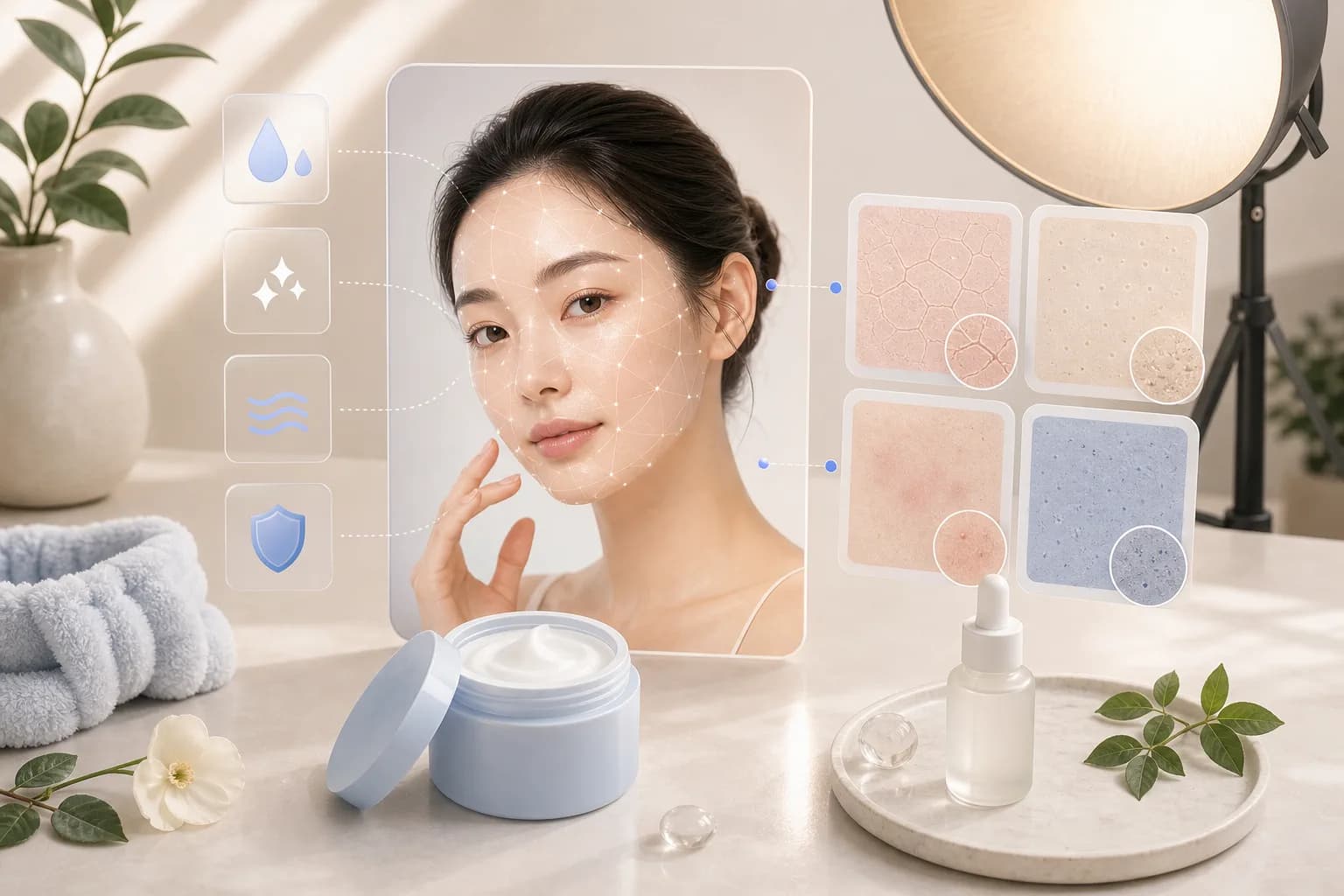
Skin texture is an impression light creates, not a health read
When a photo makes skin look smooth or rough, what we are really seeing is not the skin itself so much as the pattern of light and shadow drawn across it. The very same skin can read as glassy or bumpy depending on how the light falls. So the texture this article talks about is purely about how skin gets captured in a photo, not a statement about anyone's health or age. Think of the impression in a picture as a mood reference shaped by light and angle, nothing more.
The principle is simple. Skin has tiny ridges, and when light skims in from the side, each ridge casts a small shadow that makes texture stand out. A broad, soft light wrapping in from closer to the front fills in those tiny shadows, so skin records far more smoothly. In the end, photographing better-looking skin is less about expensive products and more about a feel for handling light.
Here we will work through it step by step: making soft light, getting white balance right, using diffusers and reflectors, distance and focus, a light base makeup, and an honest look at the limits of retouching. Most of it you can copy with things already lying around your home, so read along without any pressure.
Soft, directional light records skin smoothly
The first key to capturing skin kindly is soft, directional light. The easiest source is daylight through a large window, and a diffused overcast sky or a north-facing window gives a far softer light than harsh direct sun. Stand facing the window or slightly angled to it, and the light wraps in gently from the side, pressing down texture while keeping the face's dimension alive.
What to avoid is strong light dropping straight from overhead. Midday outdoor sun or a single ceiling fluorescent are the usual culprits: they carve deep shadows under the eyes, nose, and mouth, exaggerating texture and lines beyond what's really there. Just moving into shade, or over toward diffused window light, makes skin look noticeably more at ease.
If you want to see how much light shifts the overall impression, it helps to read how lighting changes impression alongside this. A single change in light can make the same face look calm or bright.
Ring light and the warmth of golden hour
If there's no good window indoors, a single ring light or a large LED panel is plenty. Its ring of light wraps in evenly from the front and cuts shadows down. Front light alone can flatten the face, though, so nudging it slightly up or to the side to leave a faint shadow looks more natural. Bigger light is softer light, so a wide panel flatters skin more than a single small bulb.
Outdoors, the hour around sunset, the so-called golden hour, records skin most kindly. Low sunlight comes in warmly from the side, shadows grow long and soft, and a gentle yellow tone lends skin a soft glow. Compared with harsh midday sun, the same person reads far more relaxed and alive.
White balance — so skin tone isn't sallow or blue
As important as the direction of light is its color temperature, and the white balance that corrects for it. Color temperature is how yellow or blue a light is: incandescent bulbs lean yellow, overcast shade leans blue. When a camera misreads that color, skin can float yellow or turn bloodless blue, making the complexion look dull and tired.
The trick is not to mix light colors within one photo. If a yellow room light and blue window light hit the face at once, one cheek goes yellow and the other blue in patches. Where you can, unify the light to one type, and on a phone you can press and hold the screen to nudge white balance, or use a sheet of white paper as a reference so skin tone reads far more natural. There are more tips for capturing a brighter complexion gathered separately in brightening a dull complexion.
Finally, erring slightly warm is usually the safe choice. Set it too cool and skin tends to look pale and parched. But going too yellow makes skin float, so use a point where a white shirt or white wall looks naturally white as your anchor, and balance comes easily.
| Light setting | Impression on skin | Common drawback | Quick fix |
|---|---|---|---|
| Overcast / north window | Soft and smooth | Light is weak, dim | Fill with a reflector |
| Midday direct sun | Texture, lines pop | Deep shadows | Move to shade / diffuse |
| Golden hour | Warm and bright | Short window of time | Set your spot early |
| Ceiling fluorescent | Flat and dull | Under-eye shadow | Move to window / side light |
| Ring light, front | Bright and even | Weak dimension | Nudge up or to the side |
Diffusers and reflectors — shaping light with household items
Two tools make light soft: a diffuser and a reflector. The names sound fancy, but household objects stand in fine. A diffuser filters and spreads harsh light; just hanging a thin white curtain, tracing paper, or even a single white bed sheet in front of a window or lamp softens the light and lets skin texture settle down.
A reflector gently lifts the shadow on the opposite side. Hold a white foam board, a large sheet of drawing paper, a foil mat, or even a white towel below the face or toward the shadow, and bounced light fills the dark under the eyes and chin. The closer to the face, the more the shadow brightens; the farther, the more defined it stays — so adjusting distance alone lets you change the mood at will.
Use the two together and a single large window can mimic studio light. Soften the window's strong light with a diffuser, then fill the opposite shadow with a reflector. Without any grand gear, you've built an environment where skin records smooth and bright.
Where to place the diffuser and reflector
The diffuser belongs between the light source and the face. At a window, hang the cloth right on it; for a lamp, set it a hand's width in front so the light passes through once. Too thick a cloth blocks everything and goes dark, so a thin white fabric that light shines through is best. Colored cloth bleeds its color onto skin, so pure white is the safe pick.
Place the reflector on the opposite side from the incoming light, where the shadow falls. Standing it at roughly a 45-degree angle below the face usually loosens the shadow under the chin. Foil bounces hard and defined, white fills soft and gentle. Watch the result and tilt the angle a little at a time, and you'll quickly find the spot that suits your face.
Distance, focus, and a light base to tidy texture
The distance between camera and face strongly affects how skin records. Push the lens right up to the face and the nose grows while texture pops too hard. With a phone, stepping back about an arm's length and zooming in slightly looks far more natural. Greater distance flattens those tiny ridges, so skin reads smoother and calmer.
Focus usually lands on the eyes, but it helps skin to keep harsh sharpness off the whole face. A portrait mode or a slightly shallow depth of field softens the detail in the background and on skin, tidying texture naturally. Just don't overdo the blur — keep the eyes crisp for a good balance.
A single light layer of base makeup is plenty. Pile it on thick and, under light, you may actually see more caking and texture. Sheering it out and just evening the tone records cleaner in photos. If you want to go deeper on base, take a look at the base makeup guide.
Glow or matte — choose it with the light
Whether glow or matte is better should be chosen together with the light. Under soft daylight or diffused light, a subtle glow base adds life and sheen so skin reads bright. Under strong or hard front light, though, glow can read as oily shine, so pressing it slightly matte is steadier.
In the end the answer shifts with the light. Dewy glow for soft window light, a calm semi-matte for harsh light, is a sound starting point. Splitting it by area — a touch of matte on the T-zone, a soft sheen on the cheekbones — also falls naturally in photos.
The honest limits of retouching, and how to enjoy it
If you've shot well with good light, retouching only assists. Lifting the tone a touch or tidying color temperature in post cleans a photo up, but erasing texture too hard makes skin look doll-like, oddly flat. A little fine texture and a few pores left in keep a photo human and alive. Capturing skin kindly with light from the start always looks more natural than scrubbing it away later.
Above all, the skin impression in a photo is just a mood reference made together by that day's light, angle, and camera. That's why the same person comes out differently from photo to photo. The tips here are only tools for capturing yourself more comfortably and brightly; they don't speak to anyone's health or age. Enjoy it lightly, land one shot you like, and that's plenty.
If you're curious how to pick and tidy your photos further, it's worth following up with choosing better photos for analysis to learn how to sort out a good frame. Once you understand light, your eye for which photo captured you most comfortably grows right along with it.
Frequently asked questions
Why does my skin look dull with every pore showing whenever I take selfies?
It's usually down to overhead light like a ceiling fluorescent dropping straight down, or holding the lens too close to your face. Move toward diffused window light and shoot from about an arm's length away with a slight zoom, and the texture looks far smoother. Skin in a photo is just a mood reference shaped by that day's light and angle, so changing the setting alone shifts the impression dramatically.
Can I capture skin nicely with only household items, without any lighting gear?
Yes, hang a thin white curtain or tracing paper in front of a window or lamp and it softens the light like a diffuser, and a sheet of white foam board or large paper held on the shadow side under the face acts as a reflector. Using just these two together, a single big window can mimic studio-like light. Stick to pure white, since colored cloth casts that color onto the skin.
Won't my skin look prettier if I retouch all the texture away?
Erasing too much texture actually makes skin look flat and doll-like, so leaving a little fine texture and a few pores keeps a photo human and alive. Let retouching just assist by nudging brightness or color temperature, and capturing skin kindly with light from the start always looks more natural. The impression in a photo is only a reference shaped by light and angle, not a statement about your health or age, so just enjoy it lightly.
Article info & references
Published June 13, 2026 · Last updated June 13, 2026
- General photographic lighting principles of how direction, size, and color temperature affect a subject's tonality and texture
- General digital-photography concept of correcting color via color temperature and white balance
- General use of lighting aids — diffusers to spread light and reflectors to fill shadows
- General effect of lens distance and depth of field on perspective and detail in portraits