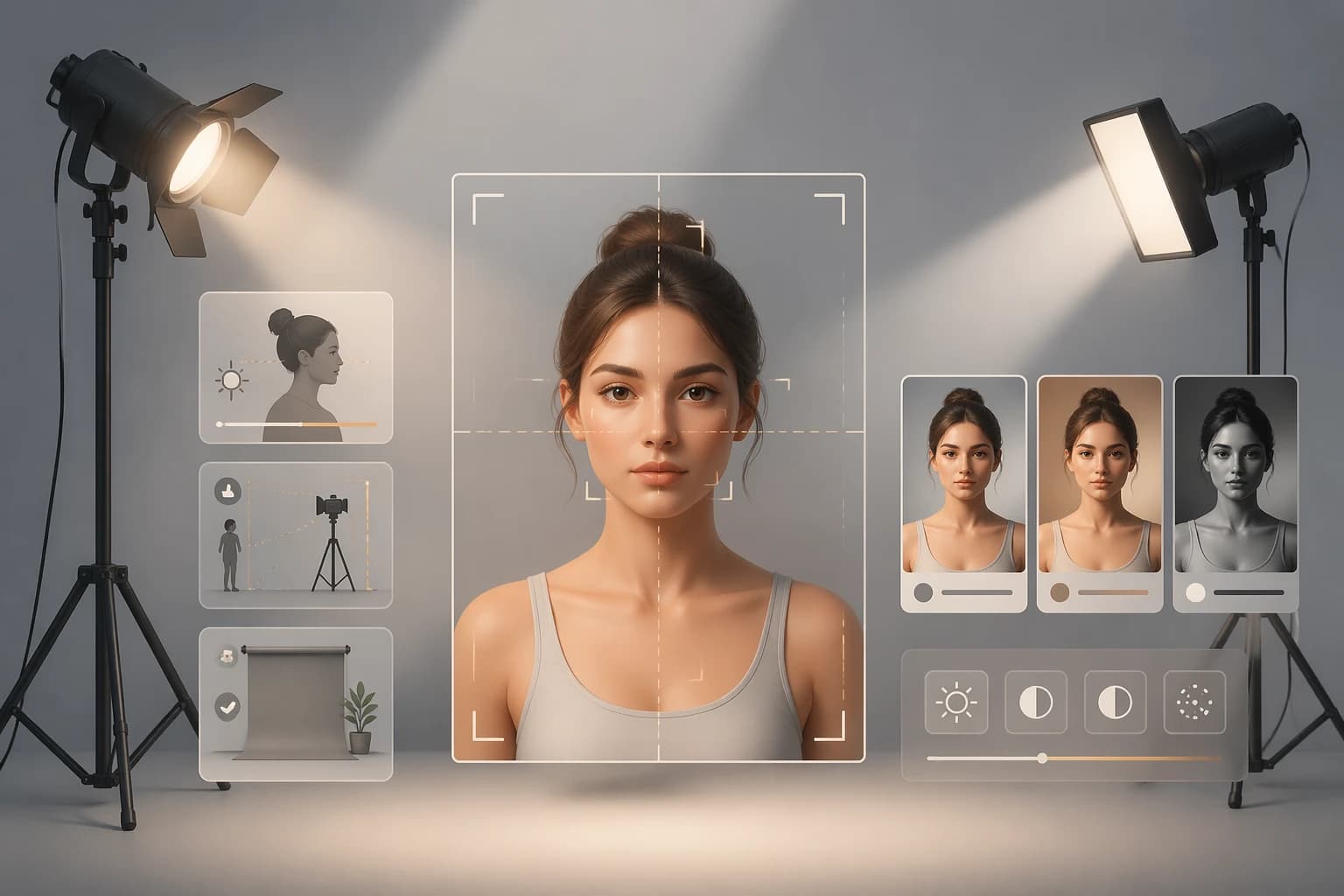
AI vibe reports like FaceOracle are sensitive to input quality. Dark, backlit, or heavily filtered photos produce results far from how you look in person. These tips apply to almost any AI analysis service.
1. Keep the light in front of your face
Biggest single factor. A window directly behind you backlights the face. Put the window 45 degrees to the side or straight in front — two-thirds of the face should read bright.
2. Fill 60–80% of the frame with your face
Too small and expressions get lost; too close and the nose warps. An arm's length is a comfortable default. Shoulders-up is enough.
3. Neutral backgrounds
A busier background means the AI may "read" mood from the background rather than you. Bright walls, blurred parks, or clean window light are safest.
4. Minimal filters
Beauty filters alter skin texture, eye size, and lip shape, moving results away from the real-world vibe. For mood checks, use your camera's unfiltered default.
5. Skip big accessories
Sunglasses, large hats, and masks hide features. Glasses are fine, but reflective glare can interfere with eye analysis — angle slightly.
6. Natural expression
Exaggerated poses push results toward "exaggerated mood." A relaxed expression or a gentle smile produces the most neutral reading.
7. Resolution and format
FaceOracle resizes to 800px long edge. Originals don't need to be huge, but avoid very small or heavily compressed images. JPG / PNG / WebP are all supported.
8. Run two photos and compare
The most revealing experiment: shoot two photos in different environments on the same day and compare results. Watching a warm morning-window photo and a cool fluorescent evening photo return different moods drives home how much light drives the output.
When the result feels "wrong"
First check light, angle, filter, expression. Change any of the four and the result often moves. "AI misread me" usually means "this photo reads this way."
FAQ
Is a no-makeup face okay?
Yes, often it produces a more natural read. Heavy makeup tends to dominate the mood.
Black-and-white photos?
Impression results still work, but the personal-color card needs color information to be accurate.
Two people in one photo?
Use a solo photo. Multiple subjects confuse the analyzer about who to describe.