Put the Camera at Eye Level, Raise the Laptop
The fastest way to improve how you read on a video call is camera height. Leaving a laptop flat on the desk points the lens up from below your chin, which exaggerates the underside of the face and makes expressions look heavy and a little overbearing. Raise the laptop on a stack of books, a small box, or a stand so the lens sits at eye level or just slightly above.
When the height is right, your gaze naturally faces forward, your shoulders open up, and your posture improves too. If you use an external webcam, clip it to the top center of your monitor. If you use a phone as the camera, prop it on a stand at eye level for a steady, shake free frame. Set it up once and you can repeat the same flattering angle on every call without rethinking your pose.
Light From the Front, Not Behind
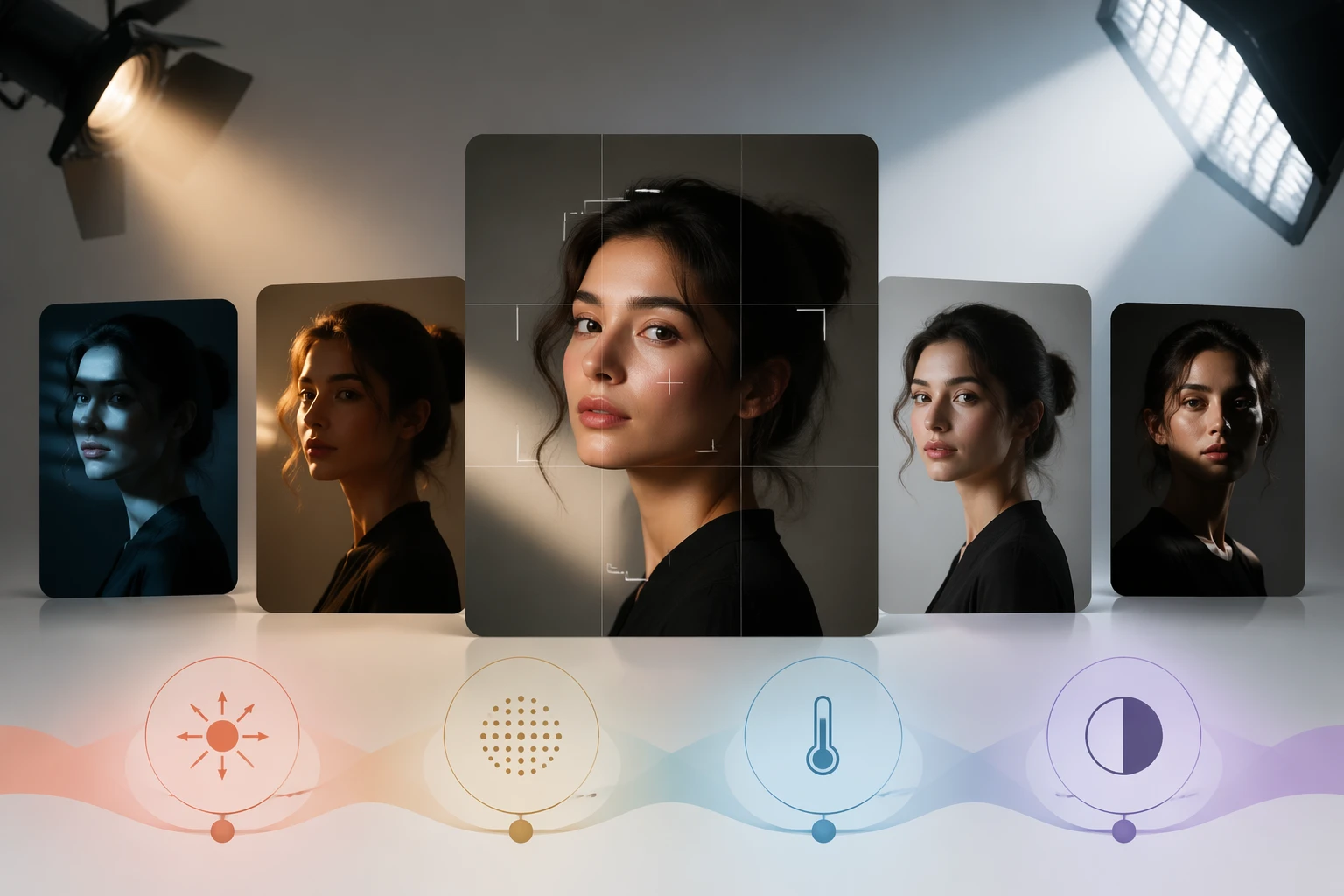
Light direction decides how your face reads on screen. Sitting with a window or bright wall behind you makes the camera expose for the background, so your face falls into shadow. Facing a window or a soft light instead spreads even light across your face and brings your expression forward. In daytime, simply facing a window solves half the problem, so check where the window is before you settle in.
Strong direct sun can throw a hard shadow across one side of the face, so soften it through a thin curtain or a sheet of white paper. If you use lamps, split two of them to the sides or one above and in front to fill the shadows, which keeps the look both dimensional and soft. When one light is not enough, bounce it off a white wall for gentle indirect light. Turn the camera on first and check that no half of your face is sitting in the dark.
Avoid Harsh Overhead Light
Relying on a single ceiling light directly above you drops dark shadows under the brows, nose, and lips, which makes you look tired and tense. Light falling straight down emphasizes the recessed parts of the face. When you can, do not depend on the ceiling fixture alone and add a light source from the front to open up those shadows.
A simple fix is a desk lamp beside the camera, or just raising your screen brightness so the panel softly lights your face. A white wall, a white desk, or a sheet of light paper can act like a reflector and fill the lower shadows gently. Remember that direction matters more than sheer brightness, and your frame improves even without any pricey gear.
Keep the Background Tidy or Blurred
Your background is information that stays visible the whole time someone looks at you. Laundry or a cluttered desk pulls the eye away and lowers focus during the conversation. The best option is to actually tidy at least the part the camera captures. A plain wall or a calm bookshelf keeps attention on your face.
If tidying is hard, turn on the background blur in your video app. Blur looks more natural than a fake background image and breaks up less around your hair and shoulders. For formal settings like an interview, a clean real background or a gentle blur reads as far more trustworthy than a flashy virtual scene. If the background is very bright, your face goes relatively dark, so balance the exposure too.
Frame Head and Shoulders With a Little Headroom
A good frame neither crams your face huge nor sits too far away. A head and shoulders frame is the most stable and the easiest to talk to. Leave a small gap of about a finger or two above the crown. With no gap it feels cramped, and with too much your face sinks toward the bottom.
If you split the screen into thirds both ways, line your eyes up near the upper horizontal line so attention flows naturally to your face. This is the familiar rule of thirds. A comfortable distance is roughly a slightly bent arm away, since sitting too close distorts the face and can feel overbearing. Adjust your chair height and laptop position to settle comfortably into the center of the frame.
Look Near the Lens, Wear a Solid Near Face Color
When you watch the other person on screen, the camera actually captures your eyes pointing downward. Glancing at the lens now and then while you speak gives the other side the feeling of real eye contact. Moving their video window right under the camera keeps your gaze near the lens, so eye contact happens without any effort.
Clothing fills a wide area near your face, so its color shapes your impression strongly. Tight busy patterns can shimmer and feel distracting on screen, so a calm solid top is the safe choice. Pick a color that supports your complexion to keep your face looking fresh. Very bright white or deep black can throw off the exposure, so a slightly toned down mid shade is the easy pick.
A 60 Second Pre Call Check, and a For Fun Note
Run one quick check before you join. First, is the camera at eye level. Second, is light coming from in front of your face. Third, is the background tidy or blurred. Fourth, is the head and shoulders frame holding the right headroom. Fifth, are your mic and mute state, outfit, and hair sorted. Once this 60 second check becomes a habit, every call starts from a stable frame.
Sometimes you just want an outside look at the mood your on screen self gives off. The tips here and any screen mood reference are all a for fun styling reference. They are not a right answer for looking better, just a relaxed starting point for trying things and finding the setup that fits you.